Capture
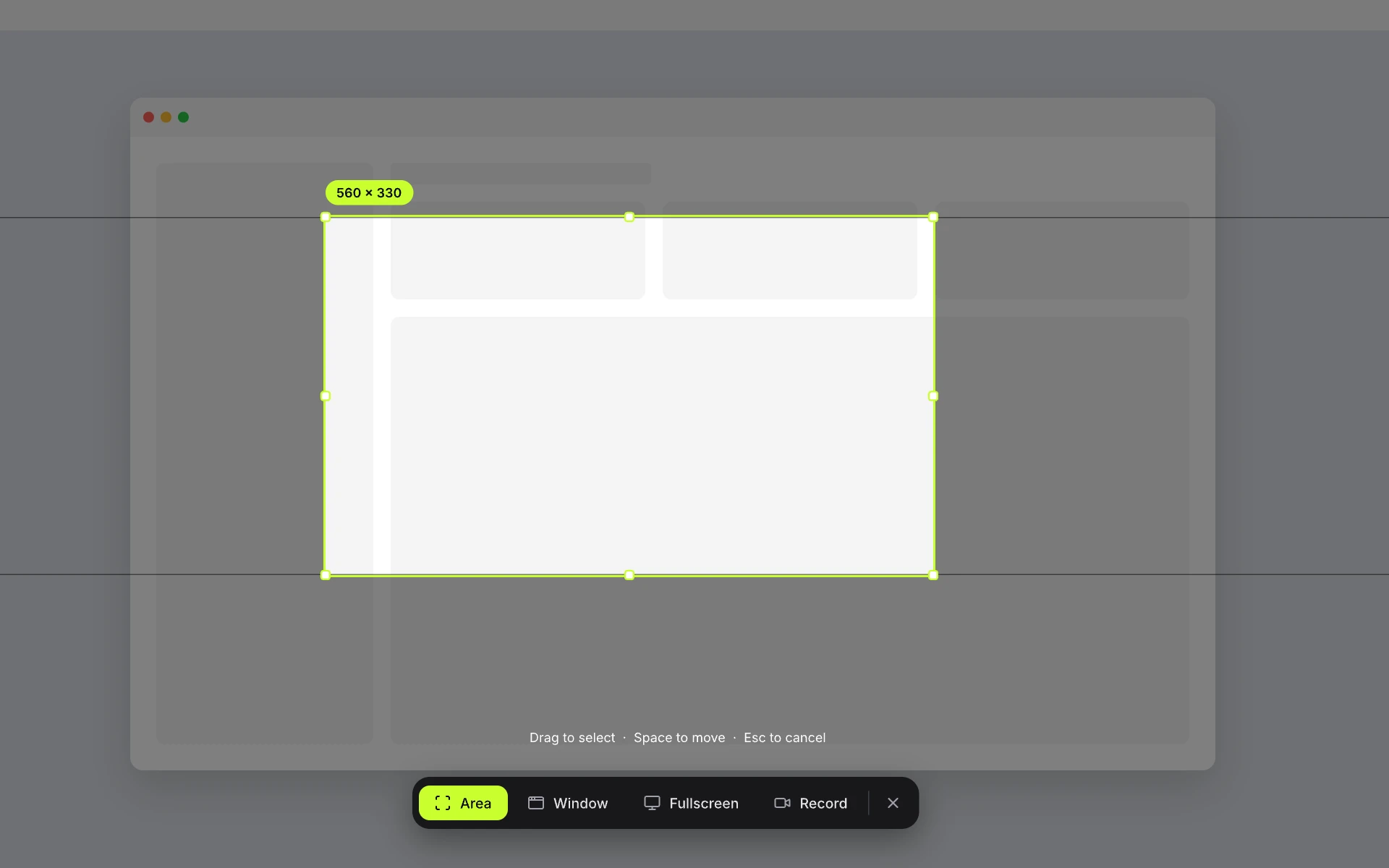
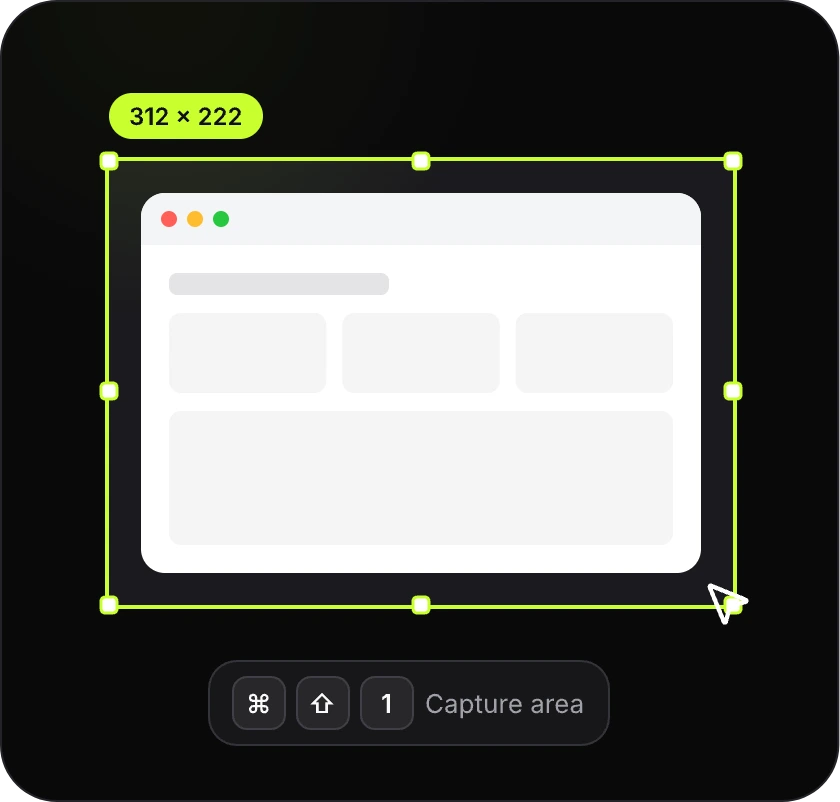
One hotkey, then drag over exactly what matters. Area, window or fullscreen, on any monitor.
Capture. Annotate. Share. Make your point with a screenshot.
Coming soon for Mac & Windows. DMG & EXE.
One capture, three moves. Watch the same screenshot go from raw to ready.
One hotkey, then drag over exactly what matters. Area, window or fullscreen, on any monitor.
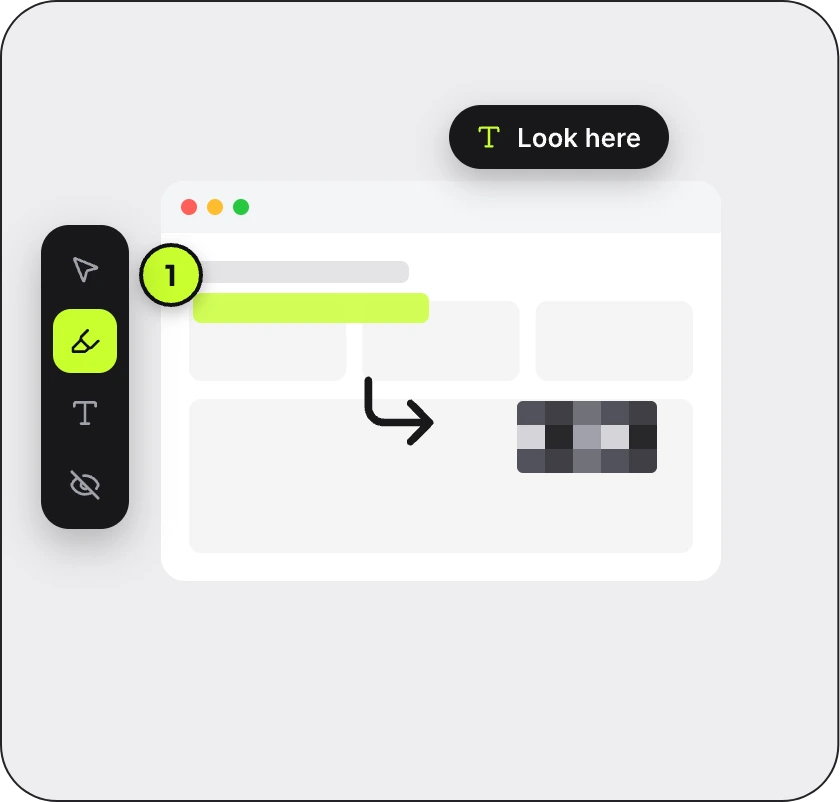
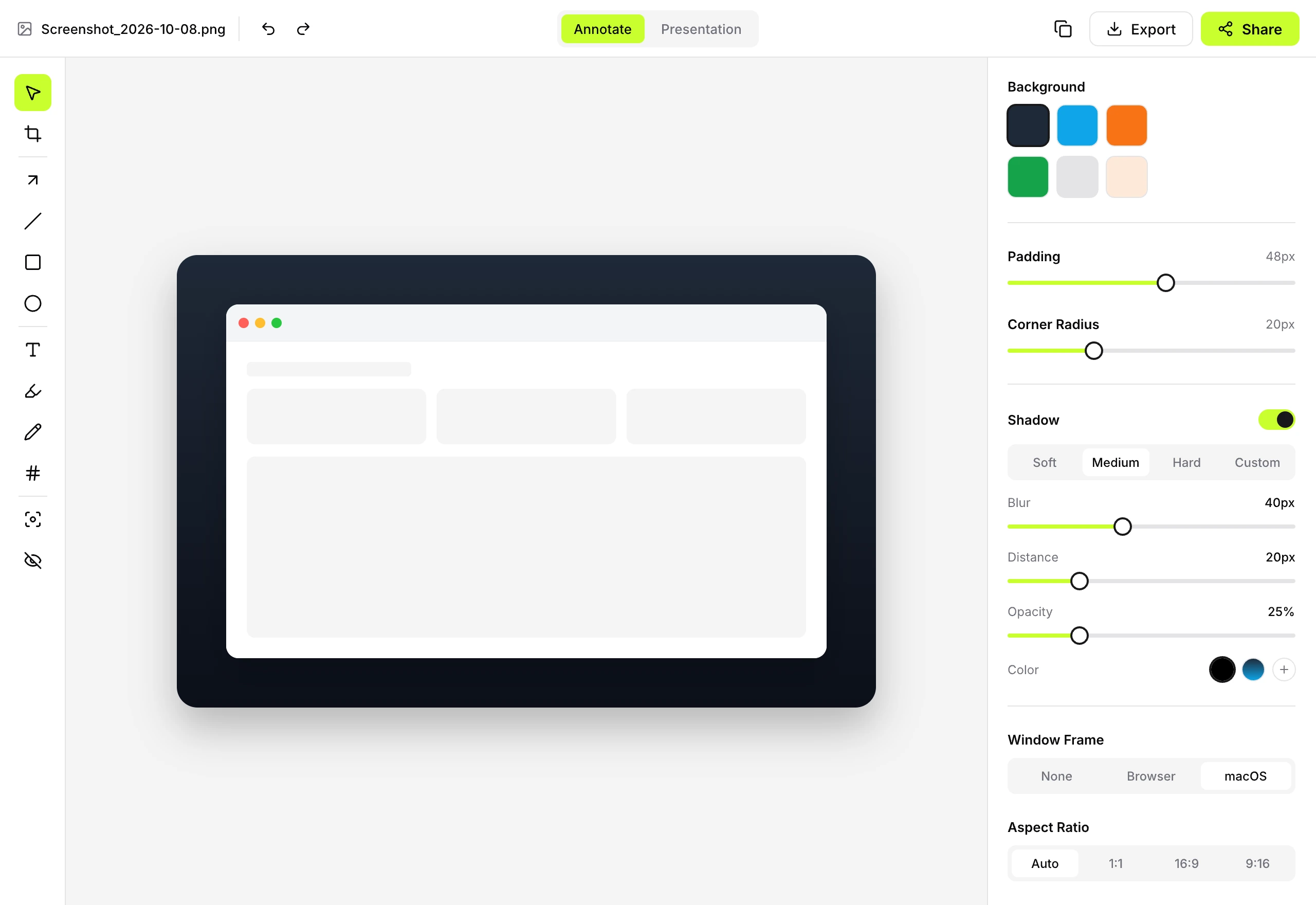
Add arrows, numbers and text. Highlight what matters. Blur what must stay private.
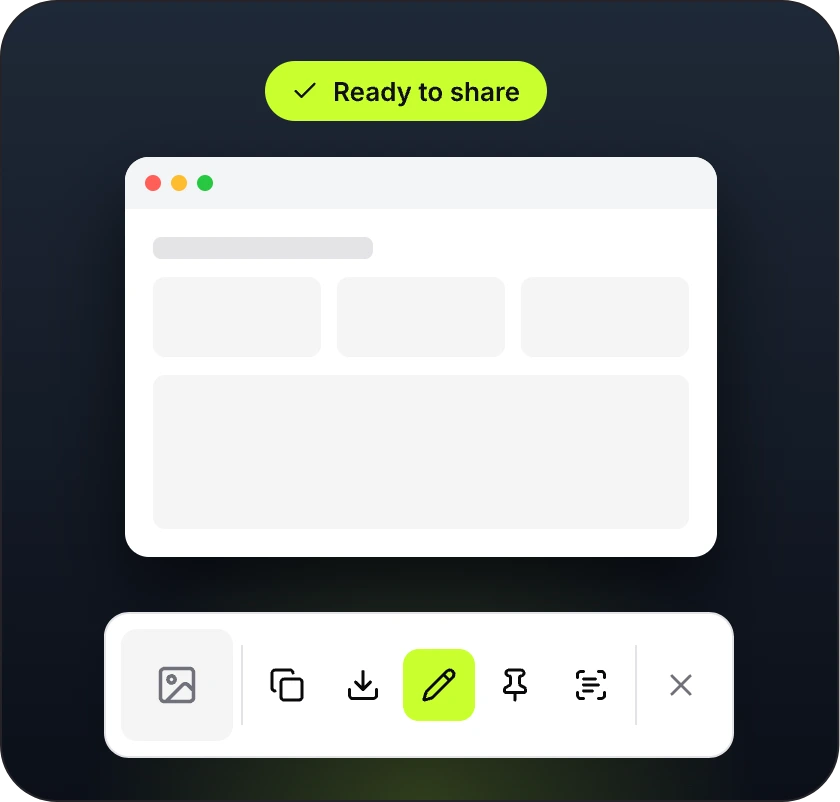
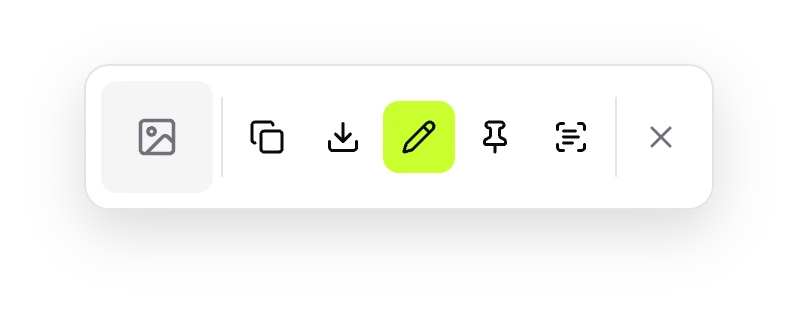
Frame it on a background, then copy, save or drag it anywhere. Flat export by default.
A fast capture tool, a real editor and a presentation layer that makes plain screenshots look designed.
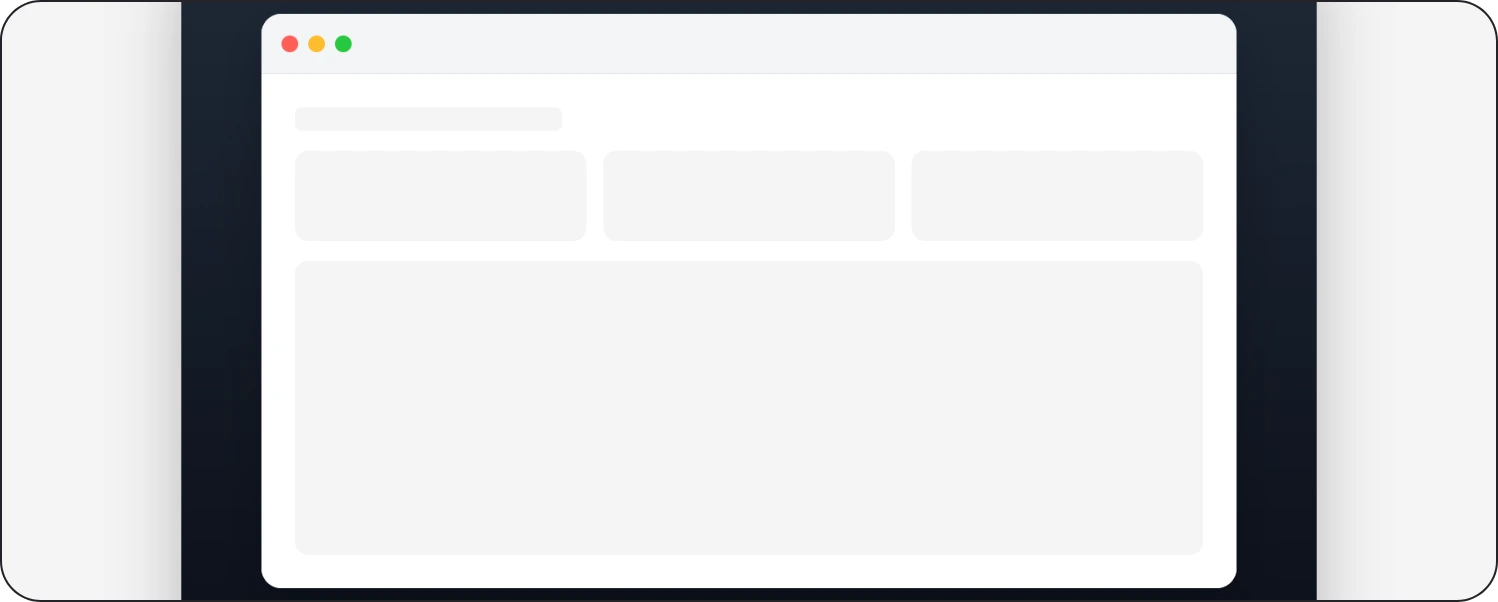
Gradient and solid backgrounds, padding, rounded corners and window frames. Plain screenshots become presentation-ready in one click.
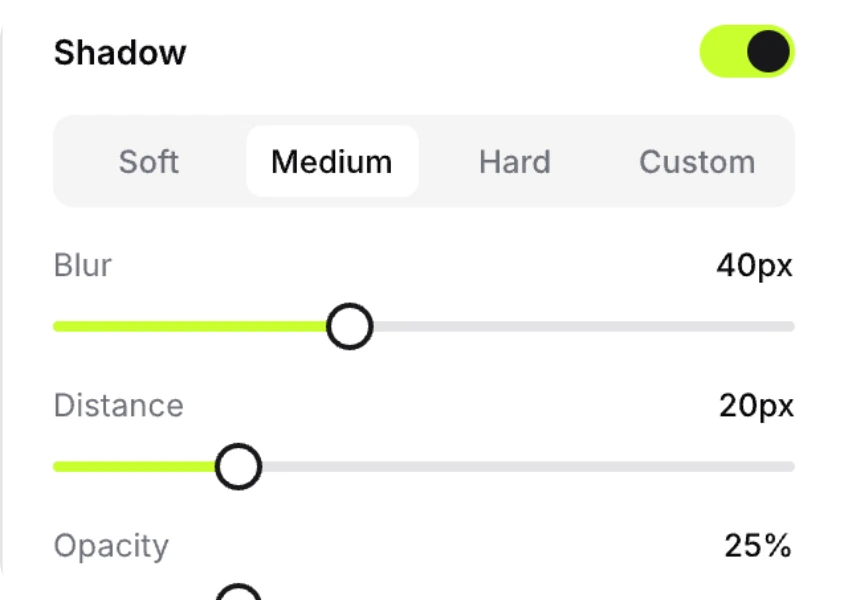
Soft, medium or hard. Tune blur, distance, opacity and color until it feels right.
Blur, pixelate or solid. Pixels are actually destroyed in every flat export, never hidden behind a removable layer.
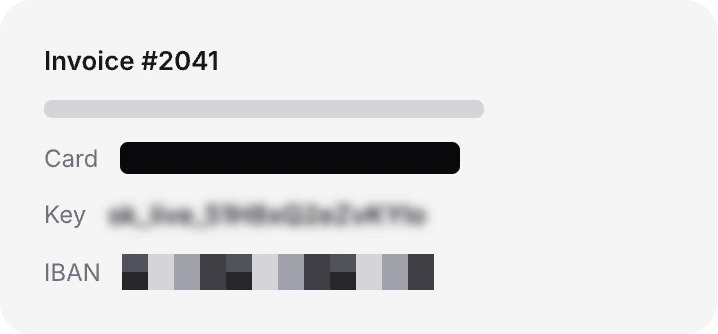
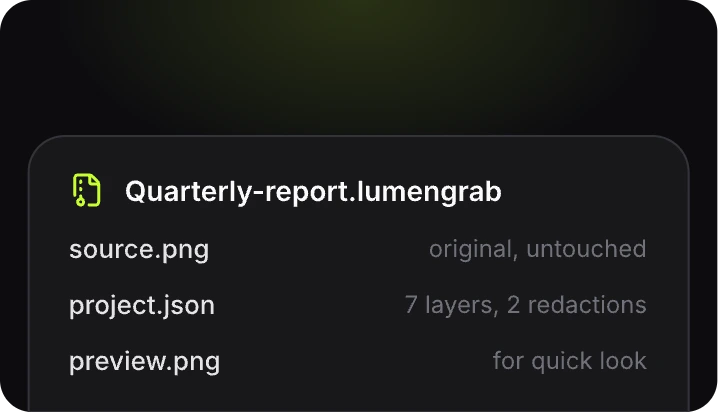
Every capture can be a single .lumengrab file with the untouched original inside. Reopen it any time and keep editing.
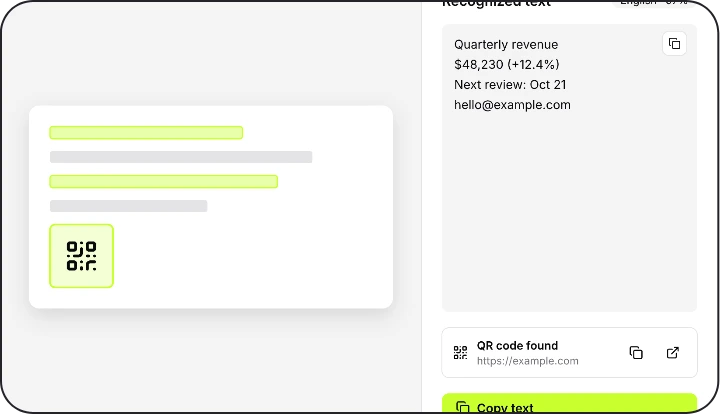
Grab text or scan a QR code right from any screenshot. Recognition runs on your device.
Float any capture above your windows while you work.
Every capture, searchable and stored only on your device.
MP4 or GIF with mic, system audio, click and key overlays.
Capture a whole page or long chat in one go.
LumenGrab has no cloud, no accounts and no tracking. Capture, editing, OCR and redaction all happen on your device.
Nobody has to sign up or log in.
No telemetry, not even anonymous.
We host nothing, so nothing can leak.
No paid tiers, no license keys, no account. LumenGrab costs nothing because there is nothing to sell.
Everything in the app is available to everyone, from day one.
Read the code on GitHub. Free to use for noncommercial purposes under PolyForm Noncommercial 1.0.0.
With no servers of ours in the loop, there is no subscription to fund.
Coming soon for macOS and Windows. Free, with no account.
Coming soon. LumenGrab is currently in development.
Watch releases on GitHubInstallers are unsigned for now. We don’t charge for LumenGrab, and signing certificates cost money.
Still unsure? The code is public and the file format is documented.
Yes. No paid tiers, no license keys and no account. We host nothing, so there is nothing to bill you for.
No. Screenshots, recordings, editing and OCR stay on your device. Uploads only happen to destinations you configure yourself.
One editable project file that contains the original screenshot, edit instructions and a preview. Reopen it to continue editing. Share a flat image when you want redactions to be permanent.
The first installers are unsigned, so macOS or Windows may show a warning. Download only from the official LumenGrab releases.
LumenGrab is being built for macOS and Windows with the same capture, editing and sharing workflow. Platform requirements are listed in the repository.
The app is free for personal and noncommercial purposes. Commercial use is not permitted by the current terms. Read the terms of use and source license for details.
Capture. Annotate. Share. Free forever, private by design.
Coming soon for macOS and Windows.